Potlucks, picnics and parties without the fifteen bags of chips.
Create an event, send each guest their own link and see who is bringing what.
How it works
From invite to potluck in a few minutes. Your guests don't need an account, a password or an app.
Create your event
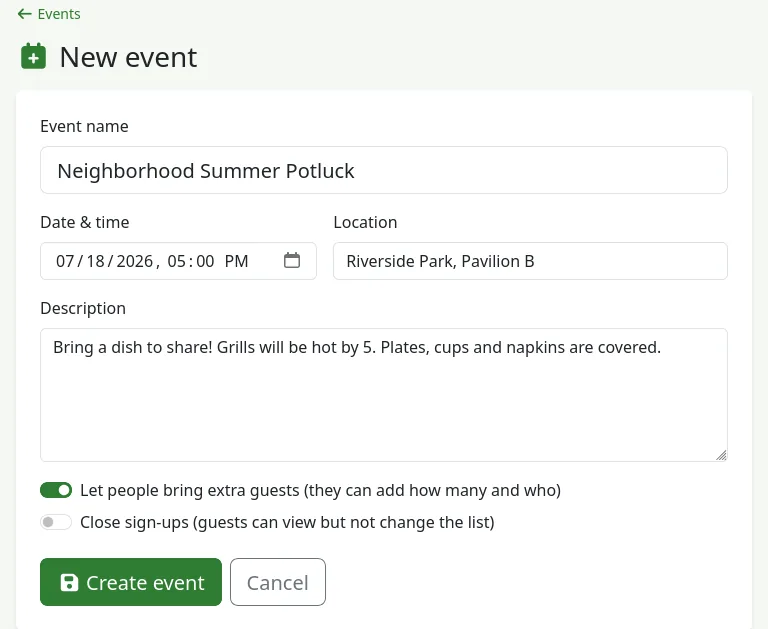
Give it a name, pick the date and place, and add anything guests should know, like parking or dietary needs. Switch on extra guests if people can bring a plus-one or the kids.
Add guests and send their links
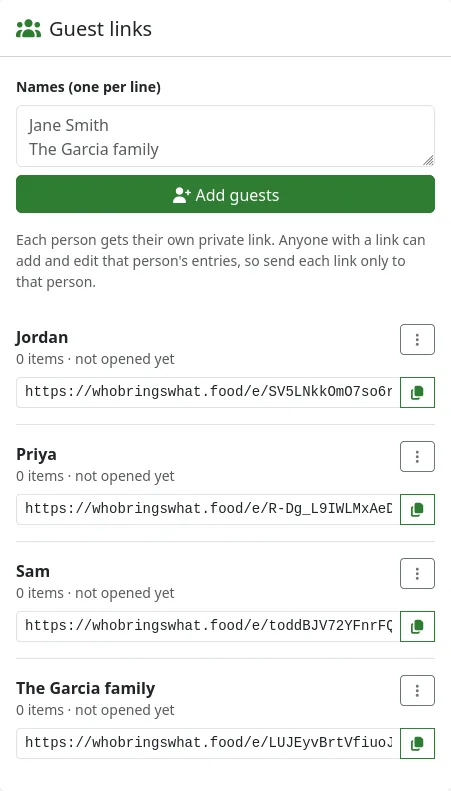
Type everyone's names, one per line. Each person gets their own private link. Copy it, or share it by text, email or group chat right from your phone.
Guests say what they're bringing
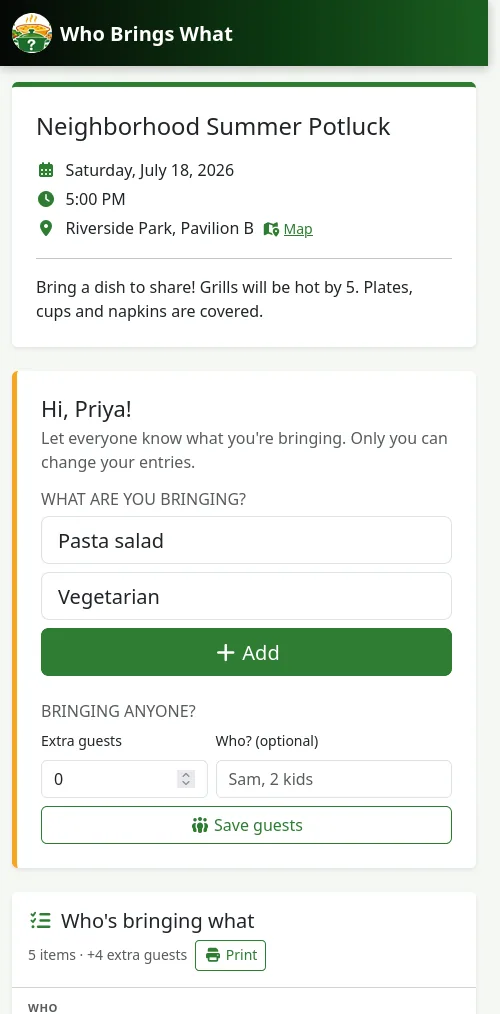
They tap their link on any phone or computer, see the event details and add their dish. If you allow it, they can also say who's coming with them.
Everyone sees who brings what
Guests can see what's already covered, so you won't end up with fifteen bags of chips. You can edit anything, and close sign-ups when the list is final.
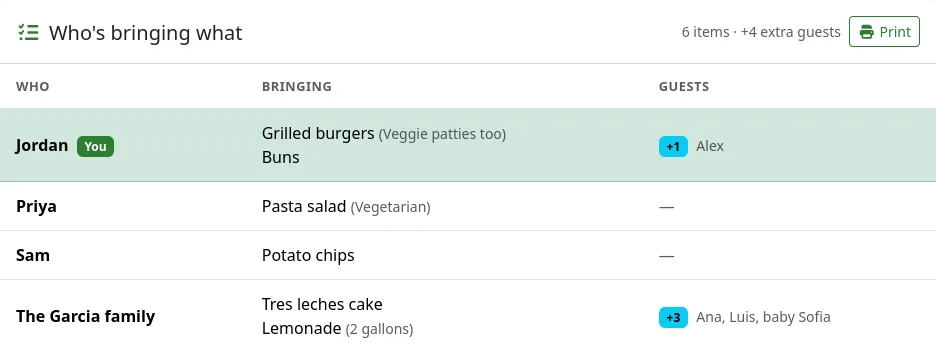
Print it for the big day
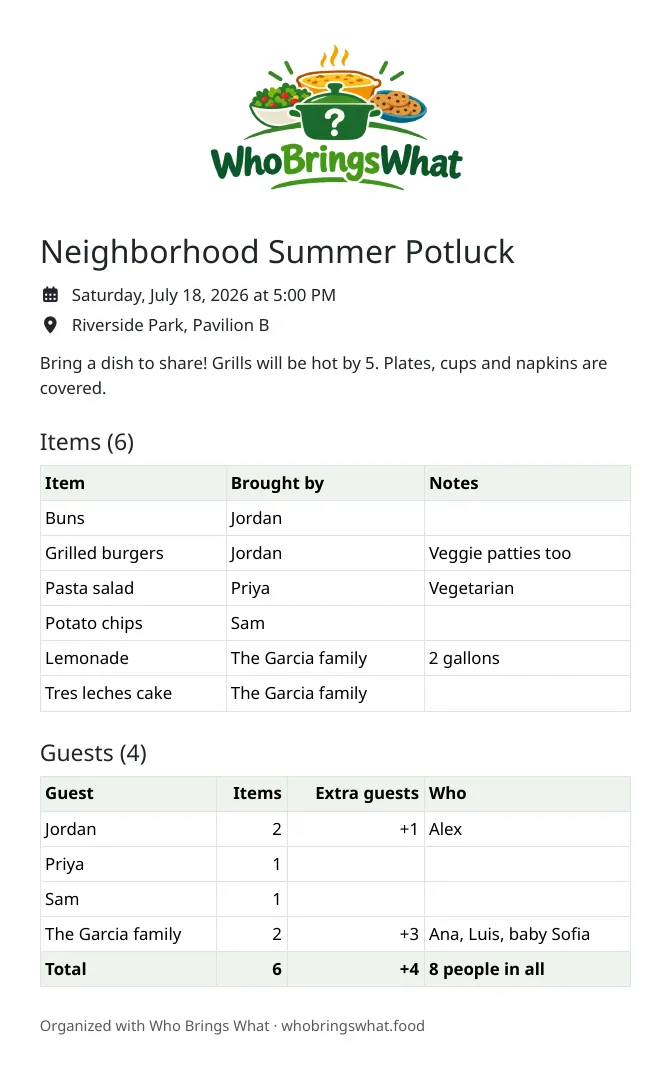
One click prints a clean sheet with the event details, every item and every guest. Stick it on the fridge or bring it to the serving table.